General Search
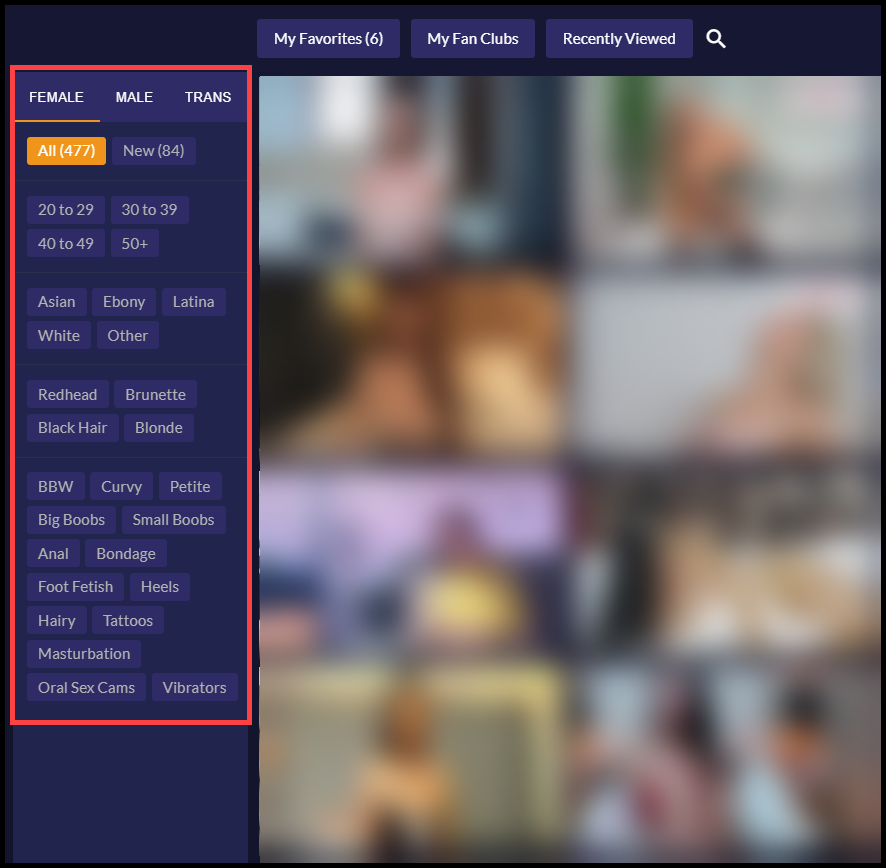
Using search filters will refine the model gallery to reveal only those models that fit into your search parameters. You can filter by gender, age, ethnicity and so on by clicking on the filters in the left side bar.
To Use General Search
- The search column is visible to the left of the model gallery.
- Select the desired gender you wish to search “Female”, “Male” or “Trans”.

- The default will be set as “All” which will display all the models matching the selected gender that are currently online.
- Clicking on the “New” button will display newly registered models matching the selected gender that are currently online.
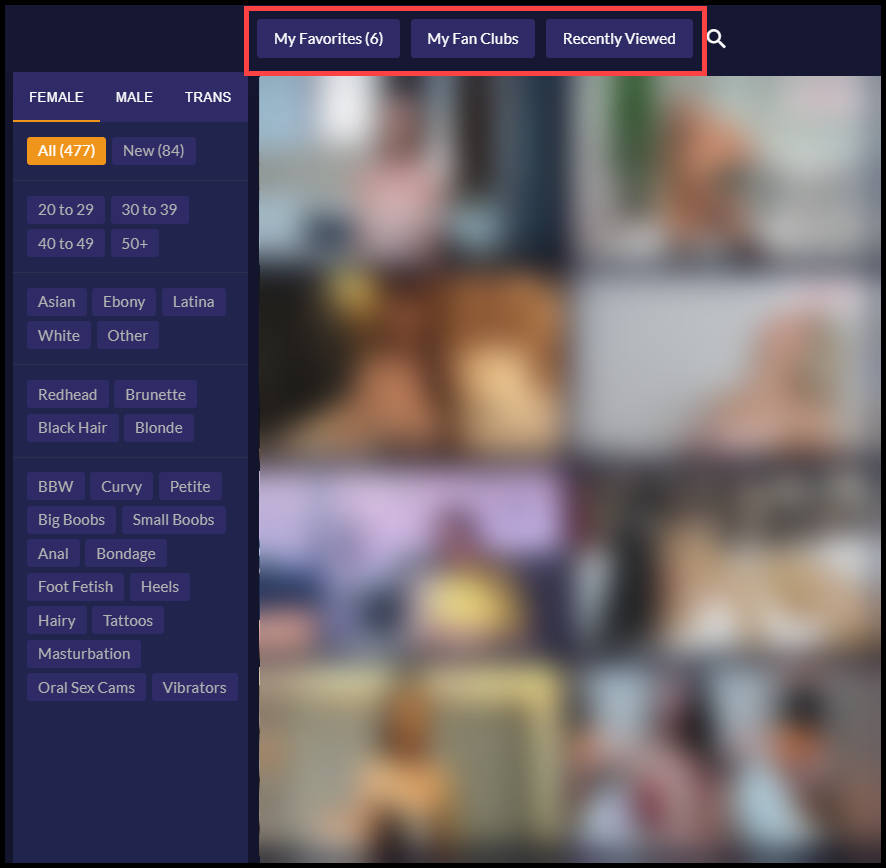
- Clicking on the buttons at the top of the page will display models you had added as Favorite, model Fan Clubs you have subscribed to, and your recently viewed model.